1Password
Secure all sign-ins to every application from any device
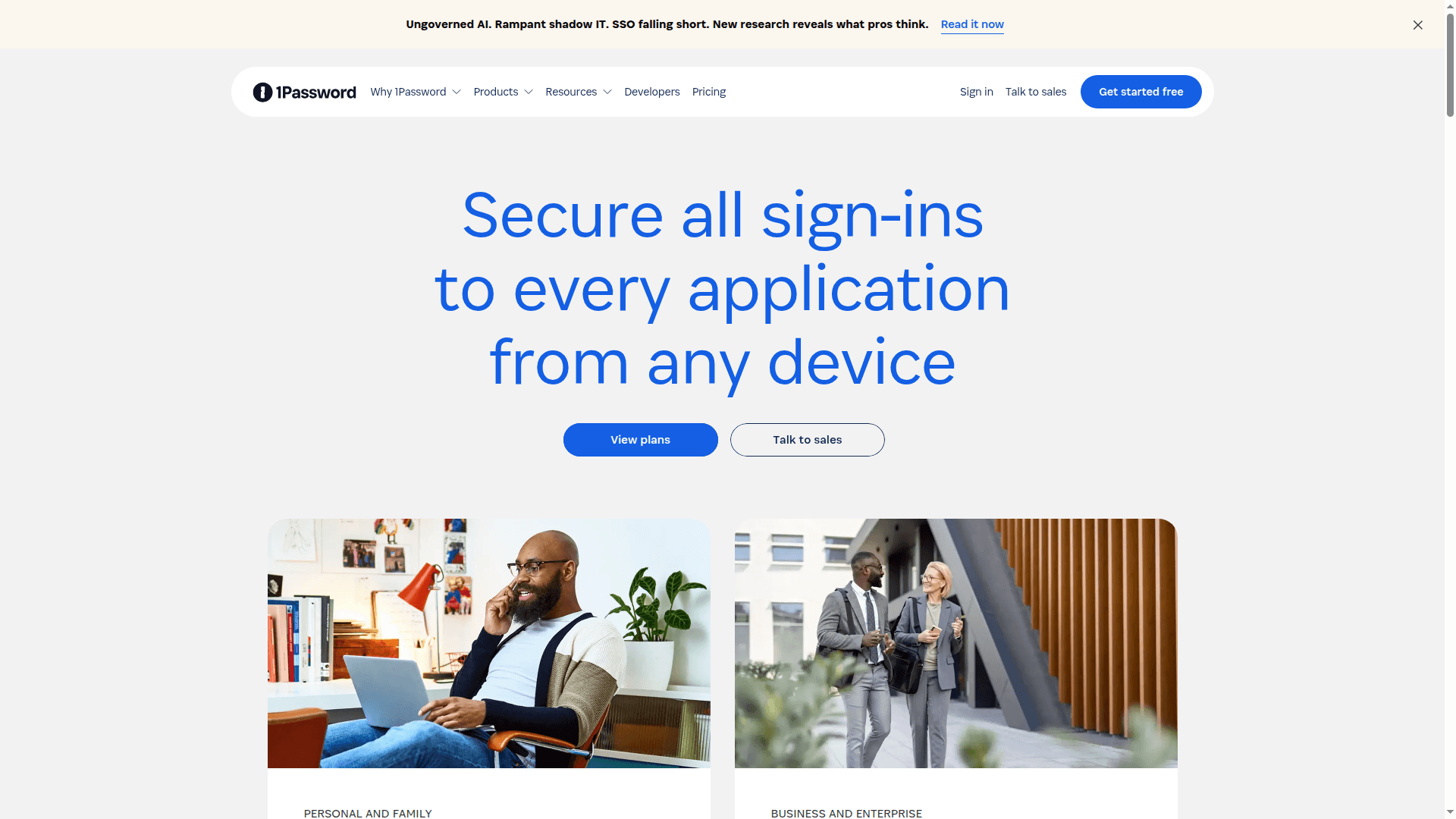
1Password offers a comprehensive solution for password management and Extended Access Management, securing all sign-ins across devices and applications for individuals, families, and businesses. It addresses modern security challenges like shadow IT and AI agent access.
What 1Password is
1Password is a secure, human-friendly place to store and use the credentials and sensitive data your teams rely on every day. It covers passwords, passkeys, 2FA codes, payment details, documents, and more, all synced across devices and browsers. Apps are available for Windows, macOS, Linux, iOS, Android, and major browsers, so people can work smoothly wherever they are. (1password.com)
Behind the scenes, it uses end‑to‑end, zero‑knowledge encryption. Only your team holds the keys to decrypt vaults; 1Password can’t see your data. A Secret Key created on the user’s device combines with the account password (their “two secrets”) to protect accounts against server-side guessing. (1password.com)
Core features that matter for a solid Back Office
Autosave and autofill make sign‑ins fast and consistent in the desktop, mobile, and browser apps, so the Back Office spends less time unblocking access and more time moving work forward. (1password.com)
Passkeys support lets teams save and sign in with modern, phishing‑resistant credentials right in the browser, easing the shift away from passwords without changing how people work. (support.1password.com)
Watchtower surfaces real‑time risk—breached sites, weak/reused passwords, missing 2FA—so you can fix issues proactively instead of after an incident. Business accounts also get organization‑wide Watchtower reporting. (watchtower.1password.com)
Secure sharing and guests make collaboration clean and auditable. You can share items safely or invite outside collaborators (like auditors or contractors) as guests with access to just one vault. (support.1password.com)
Travel Mode removes non‑essential vaults from devices during sensitive trips, then restores them later—useful for executives, finance, and HR personnel. Admins can manage Travel Mode for team members. (support.1password.com)
Developer and ops readiness with Secrets Management (CLI, service accounts, Connect) to inject API keys, tokens, and certificates into CI/CD workflows without hardcoding or copy‑paste. (1password.com)
How 1Password keeps data safe
Zero‑knowledge design and two‑secret key derivation ensure encryption keys never leave user devices. Authentication uses Secure Remote Password (SRP), so secrets aren’t exposed during sign‑in. (1password.com)
Strong key‑stretching (PBKDF2) and device‑level Secret Keys make offline password‑guessing attacks impractical, reinforcing the platform’s defense‑in‑depth model. (support.1password.com)
Independent audits and certifications support operational rigor, including SOC 2 Type 2 and ISO 27001/27017/27018/27701. A public Trust Center shares security documentation and assessments. (support.1password.com)
Admin controls, compliance, and integrations
Identity and access controls: enforce MFA (including FIDO2/WebAuthn security keys), set authentication policies, manage groups and granular vault permissions, and recover accounts for locked‑out users. (support.1password.com)
SSO and provisioning: unlock with SSO via OIDC with major identity providers, and automate user/group lifecycle through the SCIM Bridge (Google Workspace, Microsoft Entra ID, Okta, OneLogin, JumpCloud, Rippling). (support.1password.com)
Audit trails and SIEM: stream events (sign‑ins, item usage, admin changes) to Splunk, Elastic, Microsoft Sentinel, Sumo Logic, Panther, Datadog, and more via the Events API for centralized monitoring and compliance reporting. (1password.com)
Pricing options in simple terms
1Password offers plans for different needs:
Individual and Families for personal use.
Teams Starter Pack for small teams at a flat rate for up to a set number of users.
Business for growing organizations with per‑user pricing, advanced controls, SSO/SCIM, reporting, and integrations.
Additional options exist for MSPs and enterprise‑scale requirements.
Exact pricing varies by region and billing cycle, and free trials are typically available so you can validate fit before rollout. Choose the plan that matches your size and governance needs and upgrade as you grow. (1password.com)
Tangible value for a harmonized Back Office
One source of truth for access: passwords, passkeys, and secrets live in structured, permissioned vaults, replacing ad‑hoc spreadsheets and chat DMs.
Cleaner processes: onboarding is faster (provision via SCIM, assign groups, deliver vaults), access is consistent (SSO + policies), and offboarding is reliable (revoke in IdP, suspend in 1Password, rotate secrets).
Audit‑ready by default: Watchtower and Events API feed your SIEM, while reports give instant visibility into adoption, outdated clients, and risky practices—making compliance tasks lighter.
Lower support load: autofill and self‑serve access reduce “I can’t log in” tickets, and hardware‑key enforcement cuts phishing‑related issues.
Security that matches how people work: cross‑platform apps, straightforward sharing, and Travel Mode protect sensitive roles without adding friction. (support.1password.com)
Quick rollout suggestions
Start with a pilot in Finance/HR and IT; define groups, vault structure, and sharing rules that mirror your org chart.
Connect your IdP for SSO and SCIM; enforce MFA with security keys for admins and high‑risk roles first.
Turn on Watchtower and wire up the Events API to your SIEM for visibility from day one.
Document simple onboarding/offboarding checklists so the Back Office follows the same steps every time—add to the playbook and iterate quarterly. (support.1password.com)
Plan a staged rollout of Secrets Management for build pipelines and automation, starting with one CI/CD workflow and expanding to others. (1password.com)
Use Travel Mode policies for executive travel and any role that routinely crosses borders with sensitive data. (support.1password.com)
Overall, 1Password gives you a single, secure operating layer for human and machine access. That means fewer exceptions, clearer ownership, and a calmer, more resilient Back Office.