
Fullstory
Surface User Sentiment with Behavioral Data
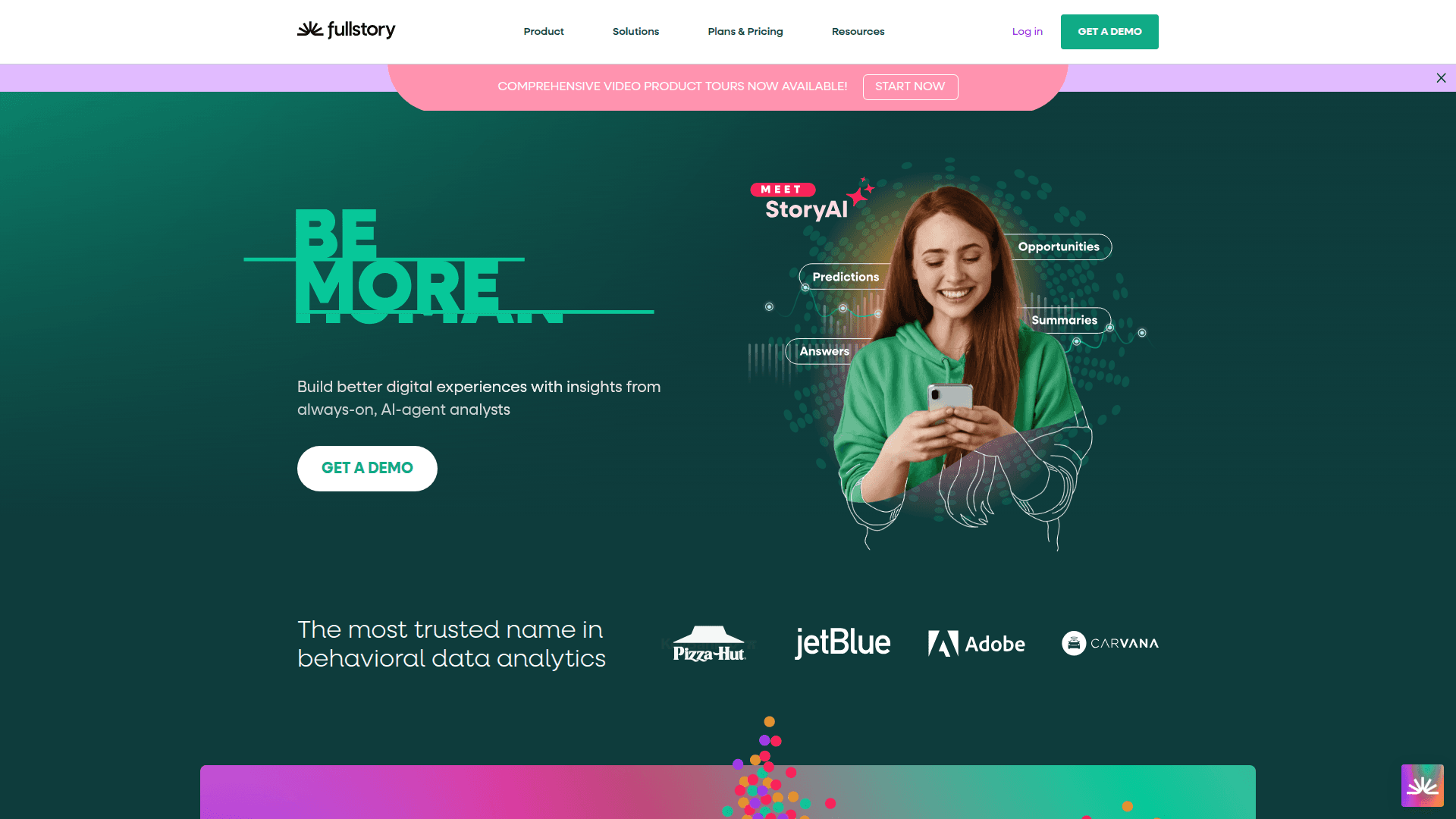
Fullstory is a behavioral data platform that helps businesses understand user sentiment and identify friction in digital experiences. It captures user behavior to improve products and customer loyalty.
What Fullstory really does (in plain English)
Fullstory shows you how people actually use your site or app so you can spot what’s confusing, what’s broken, and what’s working.
It quietly captures the full story of each visit—clicks, taps, scrolls, hesitations, error states, and frustration signals—across web and mobile.
With session replay, funnels, and AI-powered answers (StoryAI), you can move from “we think” to “we know” in minutes.
Why this matters for a strong Back Office
Fewer support tickets and faster resolutions: Support and operations can watch a session to see exactly what happened, cutting back-and-forth and speeding refunds, cancellations, or account fixes.
Cleaner processes, fewer errors: Product, QA, and finance ops can trace where errors and drop-offs occur, then fix the form step, API call, or payment flow that’s causing work for your back office.
Better prioritization with business context: Tie user friction to conversion and revenue impact, so your teams tackle issues that reduce manual tasks and cost the most time or money.
Evidence for compliance and risk teams: Privacy-safe captures and event trails help you validate that flows behave as intended and spot patterns that could lead to disputes or chargebacks.
Shared truth across teams: Everyone—from product to customer operations—works from one view of the customer journey, which means fewer handoffs and “please send a screenshot” moments.
The standout capabilities (and how they help)
Session Replay that’s actually useful
Watch how a session unfolded to reproduce bugs instantly.
See rage clicks, dead clicks, thrashes, and errors to zero in on friction, not just watch passively.
Conversion Funnels with real behavior behind the numbers
Measure drop-offs step by step and jump straight into replays of the users who struggled.
Quantify the fix: “This issue affects X users and costs Y in lost checkouts.”
StoryAI for instant answers
Ask natural questions like “Where do VIP customers get stuck?” and get clear, prioritized insights without digging through dashboards.
Mobile and Web coverage
Consistent capture across web, iOS, and Android so your back office isn’t blind to half the journey.
Integrations that fit your stack
Connect analytics, data warehouses, alerting, and support tools so insights show up where teams already work.
Privacy and governance controls
Mask or exclude sensitive fields by default, keep data access scoped, and align capture with your compliance standards.
What this looks like in day-to-day back office work
Support/Success
Pull up a customer’s recent session to understand a failed payment or account lock in seconds.
Share a short replay clip with engineering instead of a long ticket description.
Finance/RevOps
Trace why invoice downloads, card updates, or subscription changes fail and reduce manual adjustments.
Quantify the financial impact of a bug to prioritize the fix.
Operations
Find the exact step where users abandon forms, identity checks, or onboarding tasks and smooth the process.
Product/Engineering/QA
Reproduce elusive bugs fast, validate a fix in real sessions, and prevent regressions with behavioral signals.
Compliance/Risk
Confirm sensitive fields stay masked and that customer pathways follow policy.
How it fits in your toolchain
Data in: Drop in lightweight web and mobile SDKs to start capturing behavior safely and consistently.
Data out: Send events and insights to your analytics, data warehouse, BI, alerting, and support systems so teams can act without switching tools.
Workflow: Use alerts on spikes in errors or drop-offs, then jump from the alert to the exact sessions and root cause.
Value you can expect quickly
Faster time-to-answer: Go from “we need to investigate” to “here’s the clip and the fix” in minutes.
Lower operational load: Fewer tickets, fewer escalations, fewer back-and-forths.
Higher conversion and fewer errors: Remove friction in high-stakes flows like checkout, payments, onboarding, and account management.
Happier customers and agents: Clear, human-centered experiences mean less confusion for customers and less detective work for teams.
Getting started smoothly
Pick one high-impact flow (checkout, signup, or payments) and set up funnels and alerts there first.
Define what “good” looks like (conversion rate, time on task, error rate) so you can measure improvement.
Mask sensitive data early and review access roles with security and compliance.
Close the loop by pushing insights into your support and engineering queues so fixes don’t stall.
Common pitfalls (and easy ways to avoid them)
Too many passive replays, not enough analysis: Add funnels and frustration signals to focus on sessions that matter.
Unscoped access: Use roles and masking from day one to keep data safe and approvals simple.
Insights stuck in silos: Turn on integrations so support, product, and finance all see the same signal and take action.
The bottom line
Fullstory helps your back office run smarter, faster, and with fewer manual steps by turning messy user behavior into clear, prioritized actions. It surfaces what customers feel and where they struggle, so every fix moves the needle on experience, efficiency, and revenue.


