
Google Looker
Analyze governed data, deliver business insights, and build AI-powered applications
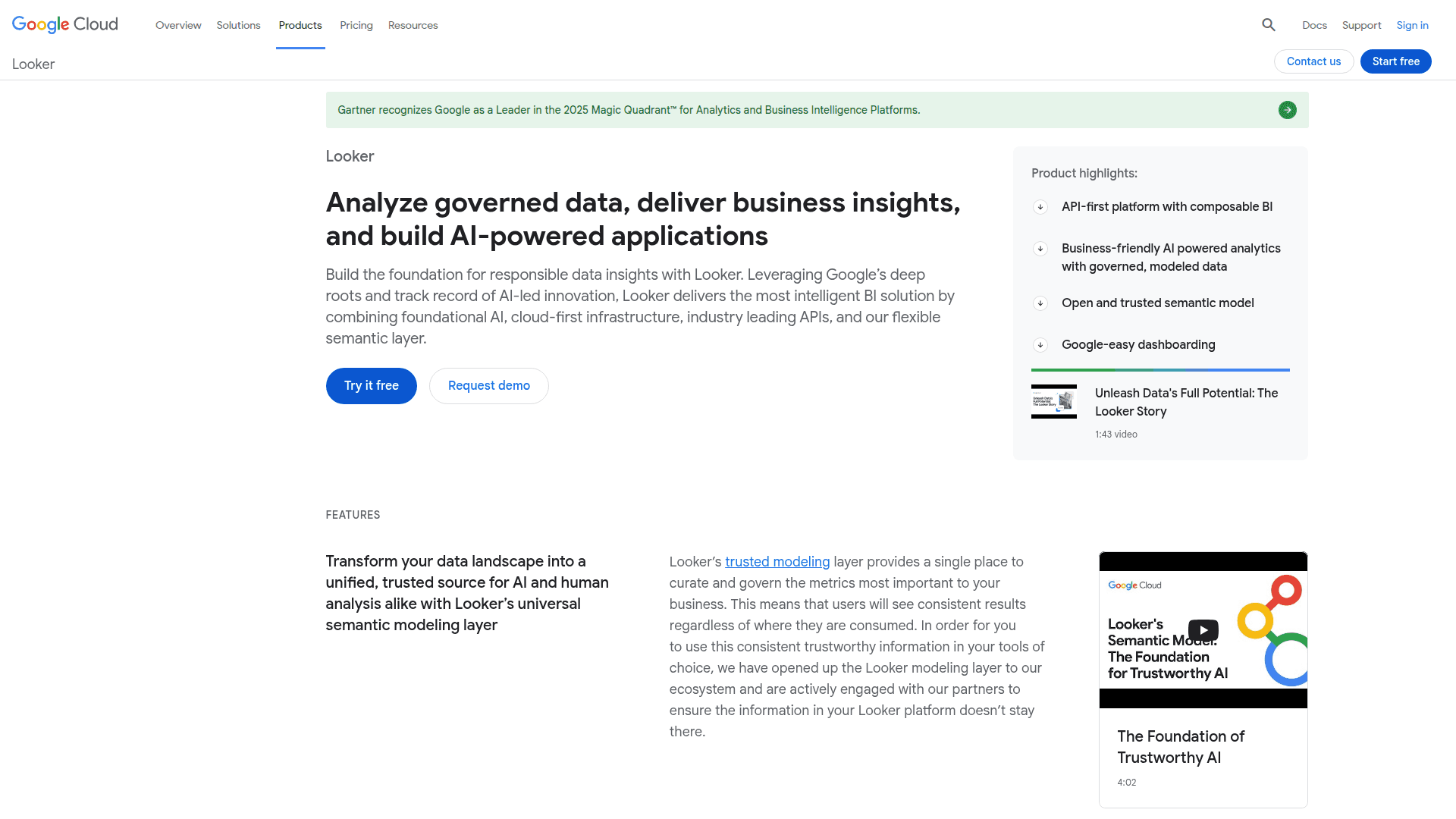
Looker is a Google Cloud BI platform for data analysis, AI-powered insights, and embedded analytics. It offers a semantic modeling layer, conversational AI, and custom data application development.
What Looker is (in plain English)
Looker is Google Cloud’s BI and data app platform that lets your teams explore trusted data, ask questions in natural language, and build or embed analytics into the tools they already use. It sits on top of your warehouse (especially BigQuery) and turns raw tables into consistent business metrics everyone can rely on. (cloud.google.com)
At its heart is a universal semantic modeling layer (LookML) that defines metrics once and reuses them everywhere—dashboards, reports, external BI tools, and even AI agents. This is the “single source of truth” that keeps numbers consistent across Finance, HR, Ops, and beyond. (cloud.google.com)
It now includes conversational analytics powered by Gemini so non-analysts can type questions like “What’s AP aging over 60 days by region?” and get charts or tables back, with the option to see how the answer was generated. (docs.cloud.google.com)
Looker is recognized by Gartner as a Leader in the 2025 Magic Quadrant for Analytics and BI Platforms, reflecting its breadth from governed BI to AI-assisted analysis. (cloud.google.com)
Why this matters for a solid Back Office
Consistency you can audit. One governed metric model feeds Finance, Procurement, HR, and Shared Services, cutting reconciliation time and minimizing “whose number is right?” debates. (cloud.google.com)
Self-serve, but safe. Business users can explore and build dashboards without breaking rules; access is governed with Google Cloud security, IAM, and enterprise controls. (cloud.google.com)
Answers in minutes, not tickets. Gemini’s conversational analytics turns plain-English questions into insights, so teams spend less time waiting on ad hoc reports. (docs.cloud.google.com)
Built for operations. Use APIs, the Extension Framework, and the Embed SDK to automate reporting, power internal portals (e.g., vendor scorecards), or embed analytics into approval workflows. (cloud.google.com)
Scale with BigQuery. Query massive datasets with BI Engine and BigQuery while Looker keeps the business logic tidy and reusable. (cloud.google.com)
Core capabilities at a glance
Open, governed semantic layer (LookML). Define measures once and use them across Looker, Connected Sheets, Looker Studio, Tableau, Power BI, and more via connectors and an open SQL interface. (cloud.google.com)
Conversational analytics with Gemini. Chat with your data, generate LookML from prompts, and even produce visualization formatting via natural language. Admins can toggle features and permissions centrally. (docs.cloud.google.com)
Dashboards and reporting for storytelling. New reporting experiences and continuous integration features help teams standardize, test, and publish content faster. (cloud.google.com)
Embedded analytics and custom apps. The Embed SDK 2.0 speeds up in-app analytics with smooth navigation in a single iframe, and the Extension Framework reduces the effort to build internal data apps. (cloud.google.com)
API-first platform. Looker API 4.0 and official SDKs (Python, TypeScript/JS, Ruby) make it straightforward to schedule, govern, and integrate analytics into back-office processes. (cloud.google.com)
Enterprise security and governance. Options like VPC-SC, Private Service Connect, private label, and granular user entitlements support strict compliance needs. (cloud.google.com)
Deep Google Cloud integration. Native BigQuery connectivity, OAuth/ADC support, and BI Engine help deliver fast, governed insights with minimal plumbing. (docs.cloud.google.com)
How it fits inside Google Cloud
Looker + BigQuery is the default pairing: BigQuery handles the heavy lifting, and Looker’s semantic layer standardizes metrics and access. You can also blend governed Looker data with other sources in Looker Studio if needed. (cloud.google.com)
Vertex AI and Gemini bring conversational analysis and AI-assisted modeling to your BI, grounded in the same governed metrics your audits depend on. (docs.cloud.google.com)
Editions and user roles (so you can staff and scale cleanly)
Platform editions
Standard: For small teams (up to ~50 users) with baseline governance and API quotas. (cloud.google.com)
Enterprise: For org-wide BI with enhanced security (e.g., VPC-SC, private connections), unlimited users, and higher API quotas. (cloud.google.com)
Embed: For external/customer-facing analytics at scale with the highest API quotas and theming/embedding options. (cloud.google.com)
User licenses
Developer: Full model access, Development Mode, Admin, API—ideal for analytics engineers. (cloud.google.com)
Standard: Explore, build, schedule; no Development Mode or Admin. Great for analysts and power users. (cloud.google.com)
Viewer: View, filter, drill, and download; no building or Explore access. Perfect for stakeholders. (cloud.google.com)
Deployment options
Looker (Google Cloud core): Fully managed by Google Cloud—simpler operations and tight GCP integration. (cloud.google.com)
Looker (original): Available as Looker-hosted or customer-hosted if you require full infrastructure control; customer-hosted is only for the original edition. (cloud.google.com)
Typical Back Office use cases
Finance Ops: Month-end close dashboards with governed revenue, margin, and cash metrics; AP aging and anomaly checks triggered via API.
Procurement: Supplier performance scorecards, on-time delivery trends, and contract compliance views embedded in vendor portals.
HR/People Ops: Headcount, attrition, and time-to-fill visuals with row-level security by region or business unit.
Shared Services: SLA monitoring, self-serve KPI explorers, and conversational Q&A for ad hoc “why did this spike?” questions.
Pricing in a nutshell
Pricing is platform + user licensing. Each platform edition includes a starter pack of Standard and Developer users; additional users and features vary by edition. You’ll get final pricing by contacting sales. (cloud.google.com)
A simple, low-risk rollout plan
Connect BigQuery using OAuth or service account/ADC, then validate performance and access. (docs.cloud.google.com)
Model your core metrics in LookML (revenue, COGS, headcount) to establish the “single source of truth.” (cloud.google.com)
Pilot with one Back Office team (e.g., AP or FP&A) and enable Conversational Analytics for fast Q&A on top of governed data. (docs.cloud.google.com)
Automate and embed: Use API/SDK and the Embed SDK to schedule reports, push alerts, or add analytics directly into internal portals and workflows. (cloud.google.com)
Bottom line
Looker gives your Back Office a trustworthy, governed data foundation, makes insights accessible to everyone (even without SQL), and lets you operationalize analytics across apps and workflows—with the scale and security of Google Cloud. (cloud.google.com)
Note: Looker is distinct from Looker Studio (formerly Data Studio). Studio focuses on lightweight reporting; Looker is the governed BI and data app platform described above. (docs.cloud.google.com)


