Jumpchart
Organize your website planning.
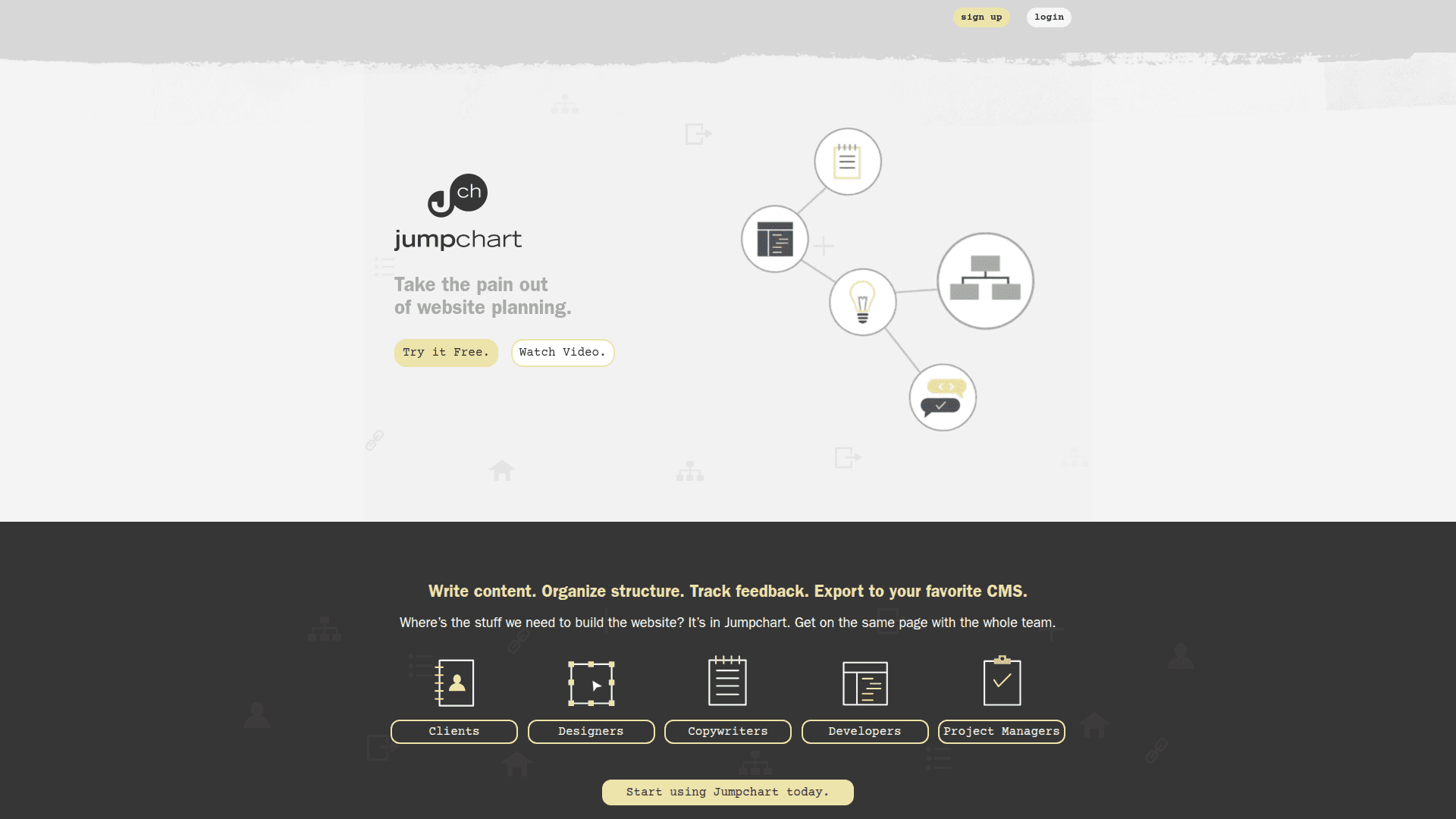
Jumpchart is your all-in-one online tool for website planning, content organization, and team collaboration. Streamline your workflow from concept to launch.
Jumpchart: The calm, content‑first workspace for planning websites your back office can actually run
Jumpchart gives teams one clean place to plan site structure, draft content, collect feedback, and hand everything to development without the usual chaos. It’s built to keep projects moving, cut down on email chains, and make handoffs predictable for ops and dev alike. (jumpchart.biz)
What it feels like to use
You write and the plan stays in sync. Add or reorganize pages and your sitemap updates automatically, so everyone sees the real structure as it evolves. Drag‑and‑drop makes hierarchy changes painless. (core.jumpchart.com)
Clear, writer‑friendly editing. Focus with a distraction‑free full‑screen mode, and use Markdown or Textile if that’s your style. It’s fast, simple, and keeps formatting drama out of the way. (core.jumpchart.com)
Content and metadata live together. Manage titles and meta descriptions right on each page, so SEO basics are sorted before design or build. (core.jumpchart.com)
Design stays visible. Upload mockups, version them, discuss changes, and mark the one that’s approved with a single click—everyone can see what’s green‑lit. (core.jumpchart.com)
Collaboration that keeps work out of inboxes
Invite the right people with the right access. Give full access or view‑only permissions, and switch them as the project changes. (core.jumpchart.com)
Notify smartly, not noisily. Use targeted email notifications or switch to RSS feeds for quiet tracking across all projects, one project, or just comments. (core.jumpchart.com)
Share a “just‑the‑content” view. Turn on a public, read‑only wireframe link so stakeholders can review the whole plan without creating new accounts. (core.jumpchart.com)
Control and traceability your back office will appreciate
Page‑level version history. Compare edits, see what changed, and roll back if needed—an easy audit trail for approvals and QA. (core.jumpchart.com)
Single source of truth. Structure, copy, files, comments, and decisions live together, which makes briefs, reviews, and audits fast and repeatable. (core.jumpchart.com)
Standards baked in. Page titles, meta descriptions, and consistent exports help you enforce content and handoff standards without heavy process. (core.jumpchart.com)
Exports that make handoffs predictable
Developer‑friendly packages. Export a single page or the whole site as clean HTML/CSS, or ship a project‑wide PDF for sign‑off. (core.jumpchart.com)
CMS‑ready when you are. One‑click exports for WordPress and Drupal turn your plan into importable content. Availability depends on plan/tier—check your account. (core.jumpchart.com)
Where it strengthens your back office
Governance without friction. Versioning, page ownership, approvals, and public wireframes make it simple to prove who changed what, when—and to get timely sign‑offs without access sprawl. (core.jumpchart.com)
Cleaner, faster handoffs. Standardized HTML and CMS exports reduce translation errors and keep build timelines realistic. Less rework, fewer surprises. (core.jumpchart.com)
Repeatable playbooks. Reuse sitemaps, page patterns, and export flows across many sites so every project follows the same, reliable rhythm. (core.jumpchart.com)
Signal over noise. Use selective email or RSS updates to keep stakeholders informed without flooding inboxes—ideal for PMOs and content ops. (core.jumpchart.com)
A simple workflow that scales
Plan your sitemap with drag‑and‑drop while you outline content. (core.jumpchart.com)
Draft pages in a distraction‑free editor with Markdown/Textile, plus titles and meta. (core.jumpchart.com)
Review in context with targeted notifications and comments. (core.jumpchart.com)
Share a public wireframe for quick stakeholder review. (core.jumpchart.com)
Approve designs with clear mockup versions and a one‑click “Approved” state. (core.jumpchart.com)
Export to HTML/PDF or your CMS and hand off to dev with confidence. (core.jumpchart.com)
Pricing at a glance
Public listings show a Free tier plus paid plans (e.g., Simple, Freelancer, Super) with increasing limits and features. Always confirm inside your account, as features like WordPress/Drupal export and versioning are plan‑gated and may change. (g2.com)
Bottom line
Jumpchart gives your back office a single, calm place to run the pre‑dev phase—from first outline to developer‑ready export. It keeps teams aligned, creates a clear audit trail, and makes handoffs boring (in the best way). If you want fewer status pings, faster approvals, and predictable builds, this is a solid foundation to standardize on. (jumpchart.biz)