Lightroom CC
Online photo editor | Adobe Lightroom
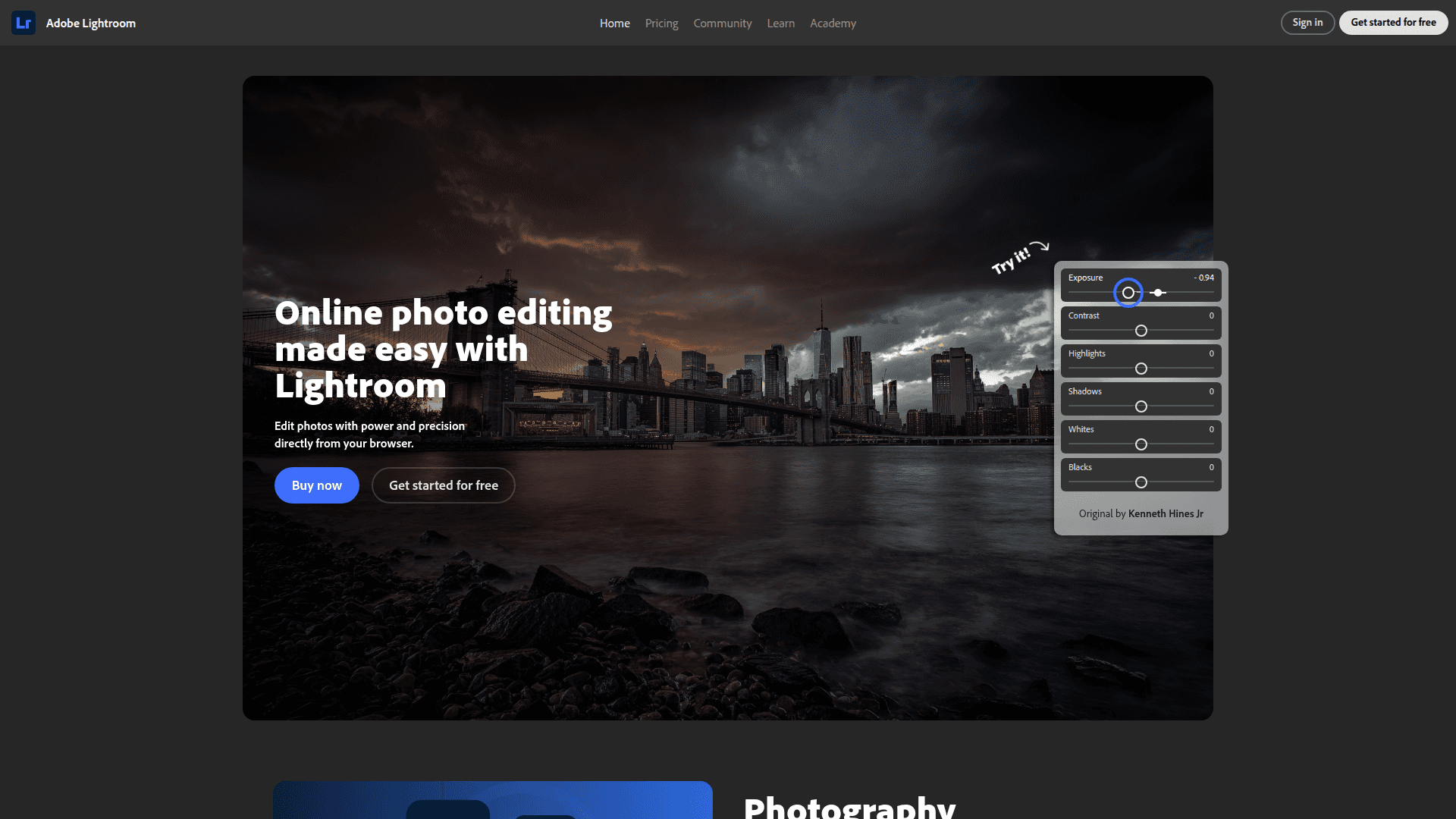
Adobe Lightroom is a powerful online photo editor for precise adjustments, AI-powered presets, and seamless cross-platform syncing. Enhance your photography skills with tutorials and a vibrant community. Try it free!
What Lightroom is (in plain English)
Adobe Lightroom is a cloud-first photo editor and organizer that keeps your originals in one secure place and lets you edit non‑destructively on desktop, web, and mobile. Your edits are instructions, not permanent changes, so the original file is always safe. You can export finished images, or export the original plus your settings when you need hand‑off. (helpx.adobe.com)
Why this matters for a solid Back Office
A good back office needs consistency, traceability, and smooth hand‑offs. Lightroom supports that with shared albums and permissions, versions to compare looks, standardized presets, and cloud sync so teams can work from anywhere without passing files around. It’s also backed by enterprise identity, SSO, and encryption options when used with Creative Cloud for teams/enterprise. (helpx.adobe.com)
The editing tools your team will actually use
Core, pro‑grade controls: exposure, color, tone, detail, curves, crops—applied non‑destructively so you can always revert. Enhance features add AI Denoise, Raw Details, and Super Resolution when quality really matters. (helpx.adobe.com)
AI‑powered masking: one‑click selects for Subject, Sky, People, Background, Objects, and even Landscape elements (water, vegetation, architecture, snow, etc.) so local adjustments are fast and consistent—even in batch. (helpx.adobe.com)
Remove and Lens Blur: the renamed Remove tool (formerly Heal) includes Content‑Aware options, and Lens Blur adds realistic depth effects. Generative Remove (Firefly) helps erase bigger distractions with smarter fills. (helpx.adobe.com)
Presets that scale: company or project looks can be codified as Premium/Adaptive presets (Subject, Sky, Portrait, Landscape, Blur Background). Recommended presets use Adobe Sensei to suggest styles that fit each photo. (helpx.adobe.com)
Video basics: quick tonal edits (including Curves) for clips—useful for social and simple deliverables inside the same tool. (helpx.adobe.com)
Organization that doesn’t get in your way
Smart, AI‑driven search: find photos by what’s in them (“a happy dog in snow”), not just by filenames or manual tags. Lightroom’s improved semantic search and Sensei auto‑tagging make retrieval fast across large libraries. (helpx.adobe.com)
People view (face grouping): group similar faces to speed up identification and searching. Note: due to state laws, People view isn’t available for images uploaded from Illinois or Texas. (helpx.adobe.com)
Ratings, flags, albums, and Versions: simple culling tools plus named/auto Versions so you can A/B different looks without duplicating files. (helpx.adobe.com)
For heavy ingestion days, Lightroom continues to add time‑savers, including newer AI features for culling highlighted at Adobe MAX 2025. (theverge.com)
Collaboration that’s actually practical
Shared albums with roles: invite reviewers or contributors, allow comments/likes, control downloads, hide metadata or location, and even let trusted collaborators edit and contribute. It’s flexible enough for agency–client or field–office workflows. (helpx.adobe.com)
Community and “Edit Replay”/Interactive Edits: share your edit steps for training and inspiration, or learn from others inside Lightroom’s Community. Great for onboarding and style alignment. (helpx.adobe.com)
Work anywhere, keep everything in sync
Add a photo on your phone, tweak it on your laptop, finish on the web—originals and edits stay synced. Lightroom apps upload full‑resolution originals to the cloud; Lightroom Classic keeps originals local and syncs smart previews. (helpx.adobe.com)
Need to free up space? You can archive from cloud to local on desktop and keep editing. Exports now include PNG when you need it. (helpx.adobe.com)
Learning that builds team skills quickly
Lightroom Academy is