
Squadcast
Automate your way through Incident Management
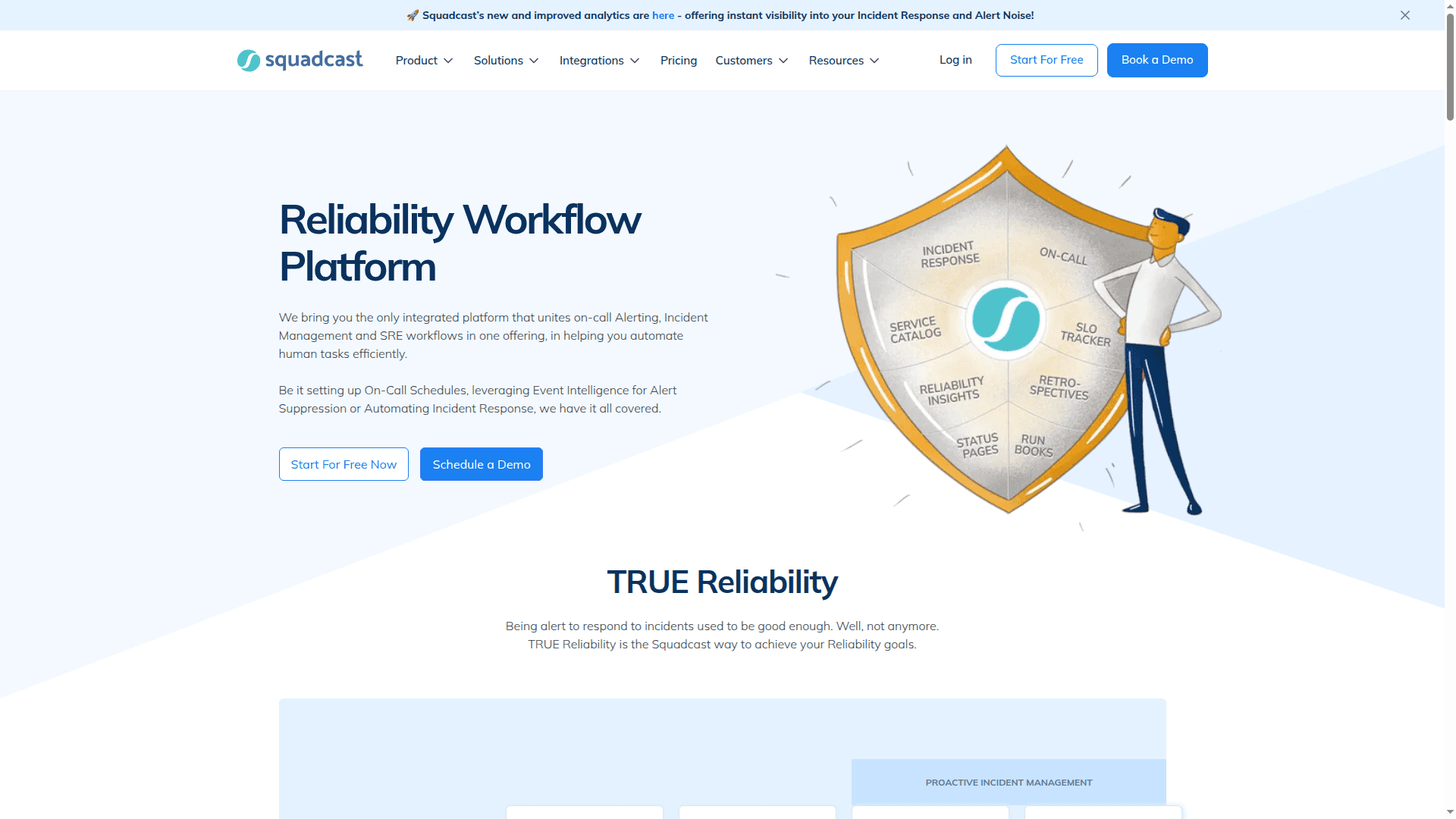
Squadcast offers a Reliability Automation Platform that unifies on-call alerting, incident management, and SRE workflows. It helps teams automate tasks, reduce downtime, and improve system reliability with features like intelligent alerting, automated response, and real-time analytics.
What Squadcast is (in plain English)
Squadcast is an all‑in‑one incident management and reliability platform that brings on‑call, alerting, incident response, postmortems, and status pages together in one place. It connects with the tools you already use, cuts alert noise, and helps teams resolve issues faster with clear workflows and simple collaboration. Think of it as the “operations nerve center” that keeps your services steady and your back office calm. (squadcast.com)
Core features that matter
On‑call scheduling and smart escalations
Create fair rotations, handoffs, and overrides so the right person is paged at the right time—no spreadsheets, no guesswork. (support.squadcast.com)
Signal in, noise out
Route alerts by rules and tags, deduplicate repeat events, and group related signals so responders focus on what’s actionable. Enterprise teams can use machine‑learning‑based Intelligent Alert Grouping to corral related alerts into one incident. (support.squadcast.com)
Frictionless incident response
Work incidents where your team already is (Slack or Microsoft Teams), capture notes and timelines automatically, and trigger “response actions” like creating tickets or rolling back a deploy—without leaving the platform. Runbooks keep routine steps consistent. (squadcast.com)
Service‑aware operations
Model your services, owners, and dependencies with a visual Service Graph to see blast radius and likely root causes during an incident. This improves triage and cross‑team handoffs. (support.squadcast.com)
Hosted Status Pages (public and private)
Share clear, timely updates with customers and internal stakeholders to reduce support tickets and build trust—subscribers can get automatic notifications. (support.squadcast.com)
SLO tracking and error budgets
Track SLOs/SLIs and watch error‑budget burn across services, so ops and product can make better “ship vs. fix” decisions with shared, up‑to‑date metrics. (squadcast.com)
Mobile incident management
Acknowledge, reassign, resolve, and collaborate from iOS and Android with notifications that cut through the noise when it really matters. (squadcast.com)
Broad, native integrations
Plug into monitoring, logging, ticketing, and chat tools (200+ native integrations) plus APIs, webhooks, and Terraform for scale. (squadcast.com)
Why this is relevant to a solid Back Office
Clear ownership and faster decisions
On‑call schedules, escalation policies, and service ownership remove the “who’s handling this?” confusion. That’s less swivel‑chair work for your back office and IT operations. (support.squadcast.com)
Process discipline, not heroics
Runbooks, templated postmortems, and consistent incident timelines make your operational processes repeatable, auditable, and trainable—key for a harmonized process landscape. (squadcast.com)
Stakeholder communication without chaos
Hosted status pages and incident timelines give support, customer success, and leadership a single source of truth—reducing ad‑hoc updates and inbound noise to the help desk. (support.squadcast.com)
Governance and compliance built in
Role‑based access control, SSO options, auditability, and ISO 27001 + SOC 2 Type II compliance, with data residency choices in the US or EU, support enterprise‑grade governance. (squadcast.com)
Consolidation over tool sprawl
By unifying on‑call, incident response, status communication, and SLOs, Squadcast simplifies your tech stack and reduces context switching—making the back office more predictable and easier to run. (squadcast.com)
Pricing options (high‑level)
Free — Good for small teams to get started with on‑call, basic alerting, and core incident features.
Pro — Adds more teams/services, longer data retention, and expanded alerting allowances; suitable for growing engineering orgs.
Premium — Brings in advanced roles, stakeholder access, runbooks, workflows, SLO tracking, service graph, and richer communications (e.g., status pages at scale).
Enterprise — Designed for scale with unlimited or higher limits, intelligent alert grouping, global event rules, extended data retention, audit features, and an optional ServiceNow extension.
Pricing is per user with volume/annual options; allowances (like SMS/voice), limits (teams/services), and advanced features vary by tier. The exact numbers are transparent on the Squadcast pricing page and may differ by billing term and region. (squadcast.com)
Tip: For a harmonized back office, most organizations start on Pro for core workflows and move to Premium when they need runbooks, SLOs, status pages at scale, or more granular roles; Enterprise fits when you want global rules, ML‑level noise control, or deep ITSM extensions. (squadcast.com)
The short version
One platform to manage on‑call, alerts, incidents, postmortems, status comms, and SLOs.
Faster, clearer response with chat‑based collaboration, timelines, and runbooks.
Lower overhead for your back office via standardization, automation, and fewer tools.
Enterprise‑ready security and governance with flexible data residency.
If you want your operations to feel organized, auditable, and calm—even when things get noisy—Squadcast is a practical, back‑office‑friendly way to get there. (squadcast.com)


