Webflow
The website experience platform for high-performing brands
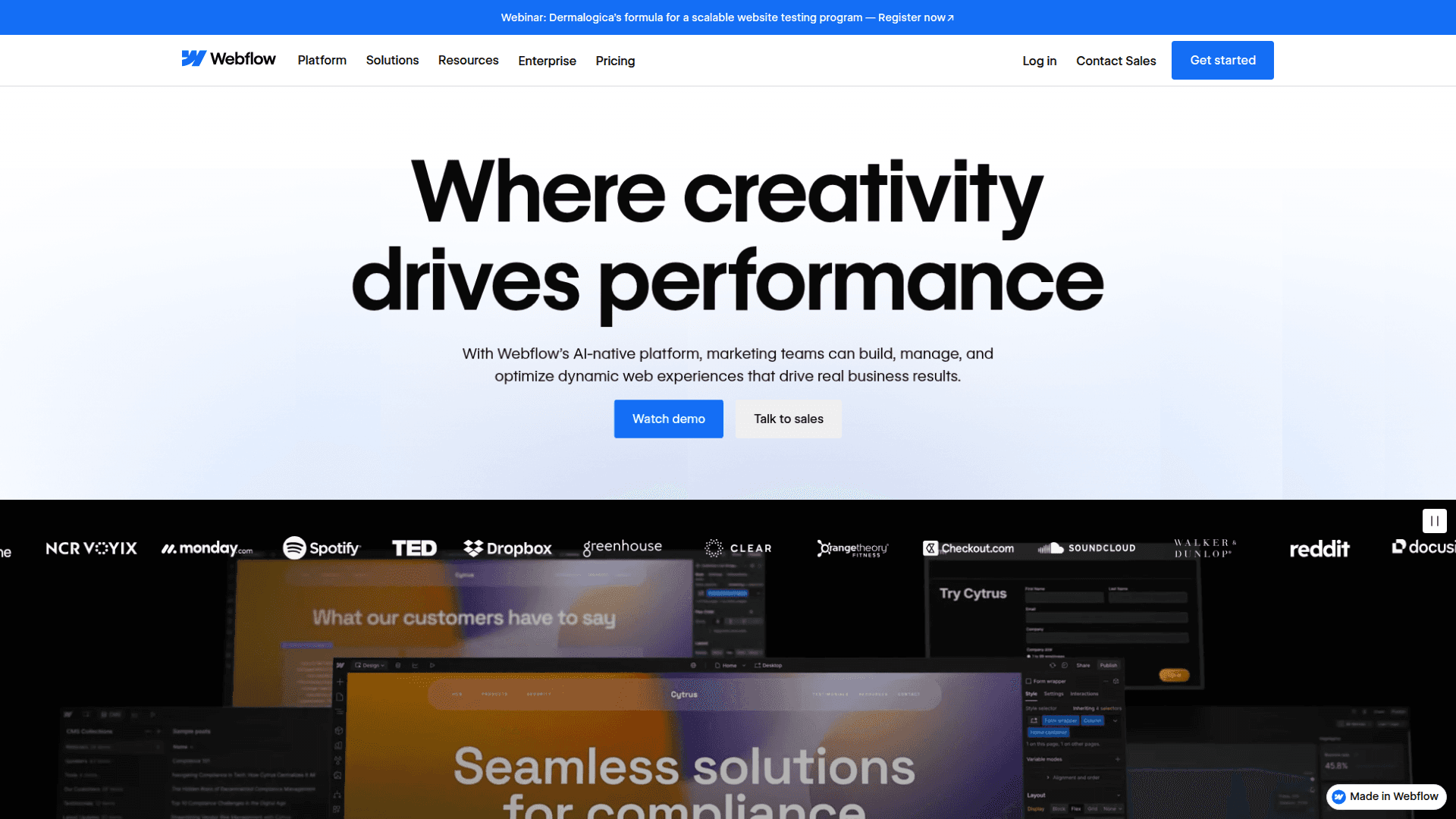
Webflow is a visual website builder that empowers teams to design, build, and manage custom websites without code. It offers AI-powered features for design, content, and optimization, alongside robust collaboration tools.
What Webflow is (in plain English)
Webflow is a visual website platform where teams design, build, and run high‑performing sites without writing code. You get a powerful design canvas, a composable CMS, built‑in optimization and analytics, and collaboration tools — all in one place, so marketing, design, and dev can actually move together instead of waiting on each other. (webflow.com)
Why it matters for your Back Office
Reduce tool sprawl: hosting, CDN, SEO controls, analytics, and optimization are native — fewer vendors to wrangle and fewer handoffs. (help.webflow.com)
Govern who does what: roles, custom permissions, and approvals protect quality while letting marketers ship independently. (help.webflow.com)
Audit and recover fast: an activity log plus staging-to-production publishing workflows give visibility and change control. (help.webflow.com)
Plug into your stack: APIs and code components connect your data and React components to the visual canvas. (webflow.com)
A solid Back Office needs clear workflows, guardrails, and reliable data. Webflow helps you:
The core toolkit (what you actually use)
Visual design canvas: Build responsive layouts, interactions, and components with real content — no code required, but devs can extend when needed. (webflow.com)
Composable CMS: Model content the way your org works, scale collections, and ship to multiple surfaces via content delivery APIs. (webflow.com)
Localization that scales: Translate and localize content, styles, URLs, and SEO settings per locale — with machine translation when you want speed. (help.webflow.com)
Built‑in SEO: Control redirects, sitemaps, and hreflang for localized sites right in the platform. No extra plugin maze. (help.webflow.com)
Hosting that’s handled: Fully managed infrastructure, SSL by default, CDN delivery, and DDoS protection — so IT doesn’t have to babysit the website. (help.webflow.com)
Collaboration and governance (Back Office essentials)
Roles and permissions: Granular site roles — from designers to marketers to reviewers — plus custom permissions for enterprise control. (help.webflow.com)
Page branching and approvals: Multiple teammates can work in parallel on separate page branches, then merge with required reviews when needed. (help.webflow.com)
Real‑time teamwork: Co‑edit pages together (presence, independent undo/redo) to ship faster without stepping on toes. (help.webflow.com)
Audit trail + safe deploys: Site Activity log tracks who changed what and when; publishing workflow shows diffs from staging to production. (help.webflow.com)
Enterprise access control: SSO with optional SCIM/JIT keeps identities centralized and onboarding clean. (help.webflow.com)
Where AI helps (without losing control)
Analyze: Native analytics that show traffic, clickmaps, scrollmaps, and goals right inside Webflow — privacy‑aware and simple to set up. (webflow.com)
Optimize: Run A/B tests, personalization, and AI‑optimized variations so the highest‑converting experience shows up automatically. (webflow.com)
Extensibility for engineering and ops
APIs for scale: Bulk CMS operations and content delivery APIs make migrations, integrations, and data syncs efficient. (webflow.com)
Code components + DevLink: Bring React components onto the Webflow canvas with props and slots, or export Webflow components back to React — great for sharing a design system across marketing and product. (help.webflow.com)
Security and reliability (so IT sleeps at night)
SOC 2 Type II compliance, SSO, SSL/TLS, and enterprise‑grade hosting/CDN are available out of the box — less to purchase, patch, and monitor. (webflow.com)
When Webflow is a great fit
You need to ship campaigns fast without piling work onto engineering.
You want tight governance — approvals, permissions, audit logs — but also speed for marketers.
You’re consolidating tools and costs, and prefer one platform for design, content, optimization, analytics, hosting, and localization.
Quick takeaway
Webflow gives your Back Office a single, governed system to plan, create, approve, publish, and optimize website content — with the control IT expects and the speed marketing needs. It’s a practical way to modernize your web operations without adding more tools or more overhead.