
Artlist.io
Create any video you can imagine
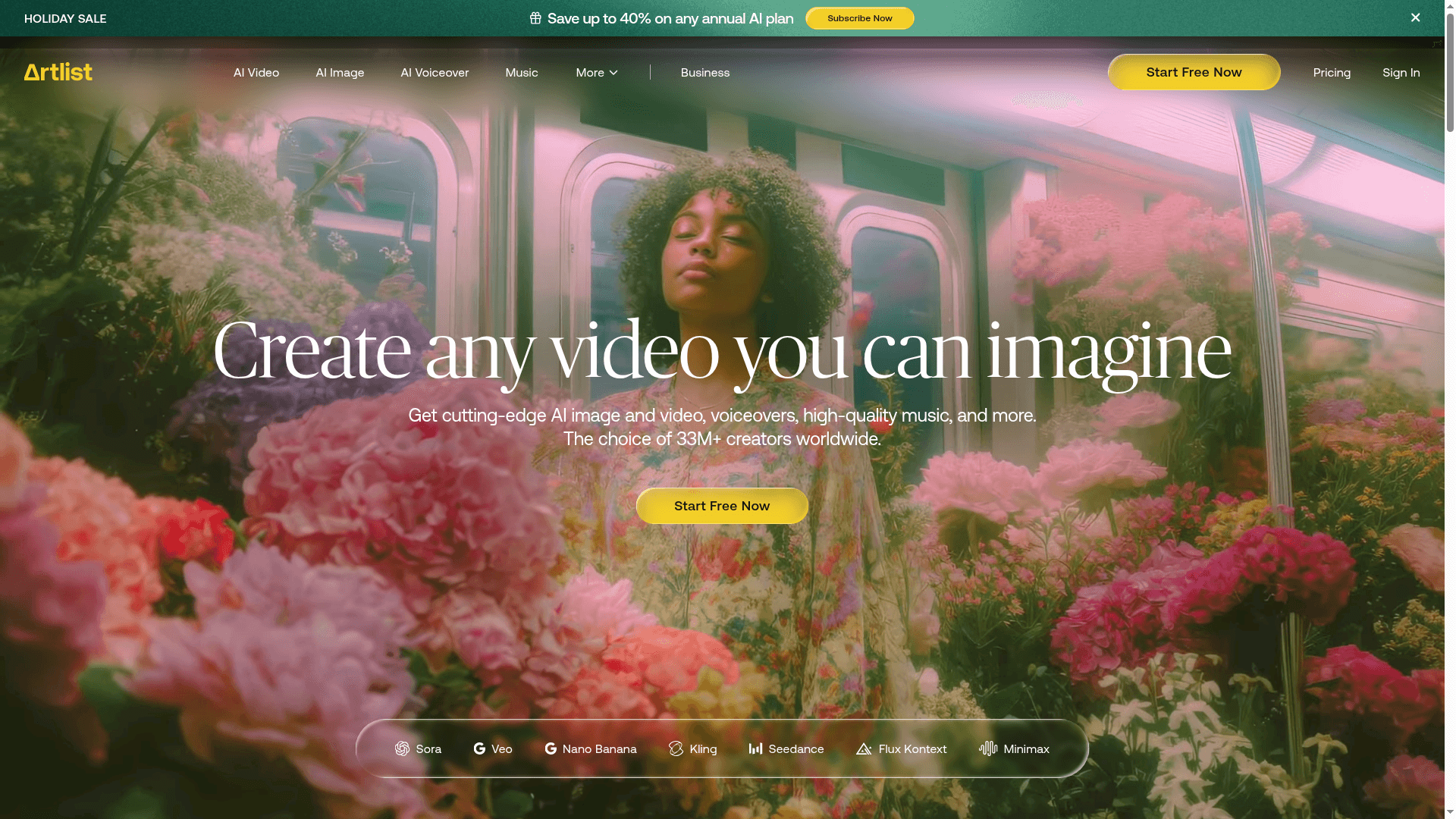
Artlist offers cutting-edge AI tools and premium creative assets for video creators, including AI video/image generation, voiceovers, music, SFX, and footage. Trusted by millions, with flexible plans for individuals and businesses.
What Artlist is (in plain English)
Artlist is a one‑stop creative toolbox that mixes a big, curated stock library with easy AI tools for video, image, and voice. You can find music, sound effects, stock footage, templates, LUTs, and plugins, and you can also generate voiceovers, images, and videos right on the platform. (artlist.io)
It’s designed so you can ideate, produce, and finish videos faster, with clear licensing that covers commercial and client work under the right plan. (help.artlist.io)
What you get (at a glance)
Stock library highlights: 28K+ songs, 72K+ SFX, 1M+ footage clips, 5K+ templates, plus 50+ plugins. New items are added daily. (help.artlist.io)
AI features you can actually use:
Text‑to‑voice, voice‑to‑voice, and voice cloning to get natural VO in many languages. (help.artlist.io)
Text‑to‑image and image‑to‑image for quick visuals. (help.artlist.io)
Text‑to‑video and image‑to‑video to spin up short clips from prompts. (help.artlist.io)
Helpful workflow tools: Premiere Pro extension to browse and download assets or generate VO without leaving your edit. (help.artlist.io)
Plans in simple terms
Artlist Max (all‑in‑one) brings everything together: music, SFX, footage (up to 8K), templates, AI voiceover, AI image/video, LUTs, plugins, and more—under a single license. (artlist.io)
AI Suite plans give you flexible monthly credits for AI video, image, and voice. AI Voiceover is also available as a standalone with its own credit bundle. (help.artlist.io)
Billing basics: Social and AI Suite are available monthly; most Pro/Teams/Max options are annual. (help.artlist.io)
Licensing made clear (and safe for clients)
A Pro license covers use worldwide across social, web, TV, streaming/OTT, film, and ads—including paid client work. This is the license most teams want for commercial projects. (help.artlist.io)
Music is royalty‑free for licensed uses, but normal industry rules still apply for broadcaster‑handled PRO payments in some cases. In practice, your project is covered; broadcasters may handle public‑performance/mechanical fees on their side. (help.artlist.io)
You can download a license certificate and cue sheet details for documentation and delivery to networks. (help.artlist.io)
AI rights, privacy, and safety
You own the rights to your AI outputs for commercial use (subject to the license), and Artlist does not claim ownership over those outputs. (help.artlist.io)
For inputs and voice cloning, Artlist states that uploads are stored only as needed to generate outputs; generated assets are stored, and cloned voices are powered by a model provider and deleted there when you delete them in Artlist. (help.artlist.io)
The license and terms also forbid using Artlist assets or AI outputs as training data and forbid using Artlist’s content to train AI, which helps protect artists and your productions. (artlist.io)
Note: Artlist grants itself a limited license to process your inputs to run and improve the service for you; that’s normal for delivering AI features. Review the license if you have stricter internal data policies. (artlist.io)
Team‑ready and Business‑ready
Max Team gives you multi‑seat coverage with a Pro license for the whole team and volume discounts per seat, with easy upgrades as you grow. (help.artlist.io)
Business solutions support larger orgs (50+ employees), more seats, and special use cases (apps, broadcasters, OOH, audiobooks) with custom terms. (help.artlist.io)
Practical guardrails that help operations
Unlimited downloads with reasonable daily limits (e.g., up to 40 songs and 100 SFX/day; 100 clips/day; 40 templates/day) keeps usage predictable and fair. (help.artlist.io)
Clearlist helps match your licensed channels/videos to reduce YouTube Content ID noise and speed up claim resolution. (help.artlist.io)
Why this matters for a solid Back Office
Licensing clarity: One Pro or Team license that actually covers client work, ads, broadcast, OTT, and social means fewer custom clearances and faster sign‑offs. Your producers can move, and Legal stays comfortable. (help.artlist.io)
Audit‑friendly documentation: Downloadable certificates, cue sheets, and a managed Clearlist give you a clean paper trail for every project and platform. (help.artlist.io)
Data and IP hygiene: Explicit restrictions against using assets/outputs as AI training data and defined handling of AI inputs/cloned voices help satisfy privacy and brand‑safety reviews. (artlist.io)
Centralized procurement: Max Team and Business plans let you consolidate seats, simplify renewals, and standardize license language across departments and vendors. (help.artlist.io)
Workflow efficiency: The Premiere Pro extension, AI tools, and curated search reduce context‑switching and rework, which is money saved in edit hours. (help.artlist.io)
Numbers to keep in mind
Library scale: 28K+ songs, 72K+ SFX, 1M+ footage clips, 5K+ templates (and growing). (help.artlist.io)
Community: 26M+ users rely on Artlist’s tools and catalog, showing wide market adoption. (artlist.io)
When Artlist is a good fit
You want a single vendor to cover stock assets and AI generation with clean, commercial‑ready licensing.
You need team seats and consistent terms across multiple content channels and regions.
You value traceable compliance (certificates, cue sheets, claims handling) and time‑saving workflow tools.
Quick implementation tips for your org
Pick the Pro/Max Team license tier you need based on where content will run (social only vs. ads/TV/OTT). Add seats rather than spinning up separate accounts. (help.artlist.io)
Set up Clearlist on day one for all official channels; add client channels per project to minimize claims. (help.artlist.io)
Create a simple internal policy for AI inputs (who can upload voices, consent steps, deletion rules) aligned with Artlist’s AI terms. (help.artlist.io)
Save license certificates/cue sheets to your project folders for audits and deliveries.

