Okta
Secure the future of identity
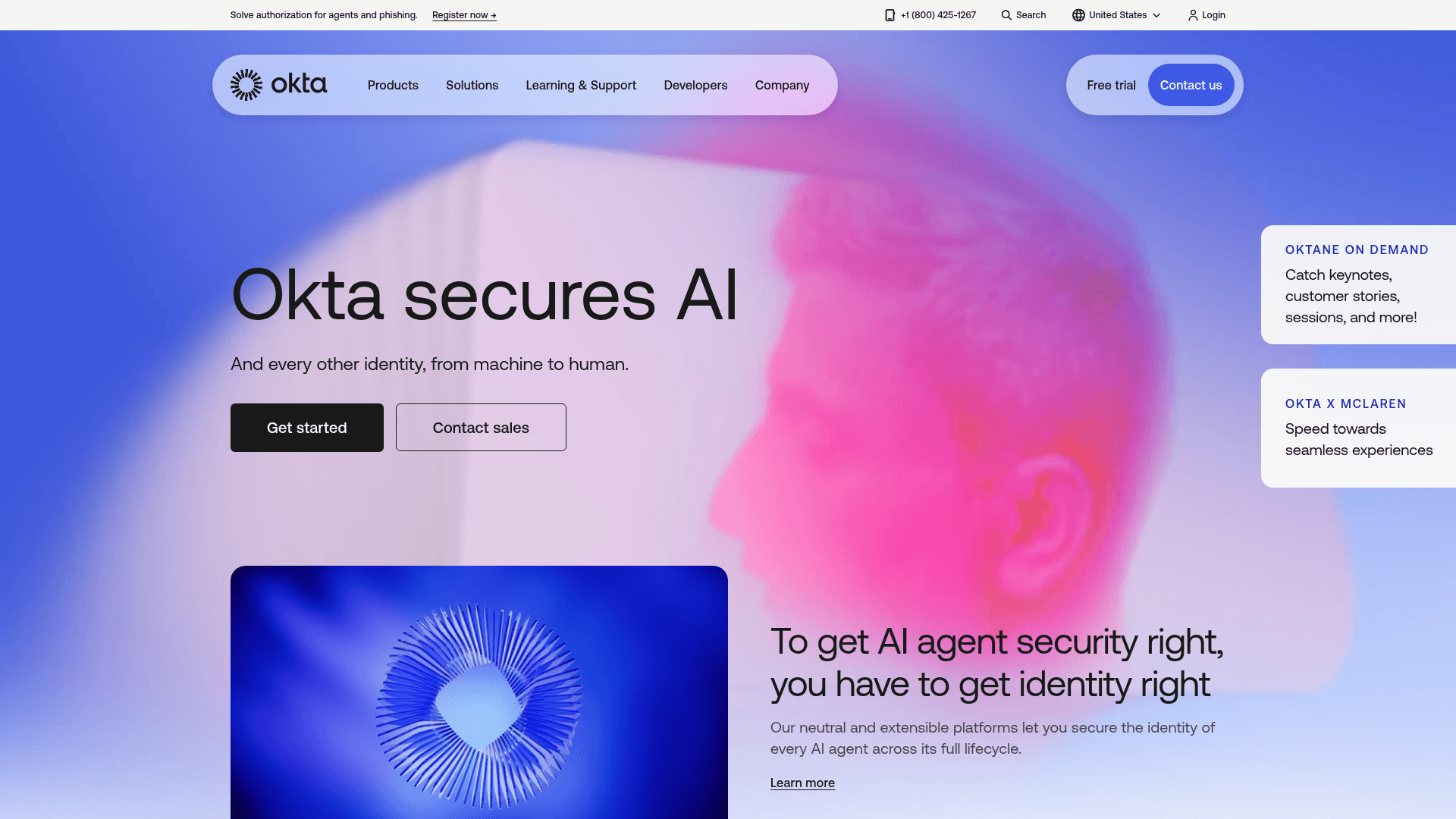
Okta provides a unified identity platform to secure employees, customers, and AI agents, offering comprehensive solutions for workforce, customer, and AI identity management.
What is Okta (in plain words)
Okta is a cloud service that makes sure the right people (and systems) can securely sign in to the right tools, at the right time, with the least friction possible. Think of it as your organization’s central “identity layer” that unifies login, strong authentication, user lifecycle, governance, and privileged access in one place. It’s built to plug into thousands of apps and automate the busywork that normally slows down IT and Back Office operations. Okta is also designed for high reliability with an uptime target of 99.99% and no planned downtime, so your access layer stays on while the rest of your stack does its job. (okta.com)
Core building blocks you actually use
Single Sign-On (SSO) and strong authentication
Give people one secure front door to apps with SSO, then add MFA that can be truly phishing‑resistant (e.g., FastPass and FIDO2/WebAuthn). This cuts password resets, stops account‑takeover attempts, and keeps the sign‑in experience simple across web and mobile. (okta.com)
Universal Directory as your identity source of truth
Centralize users, groups, and devices in one place and keep them in sync with HR and directory systems. That unified directory becomes the backbone for consistent access policies across apps and infrastructure. (okta.com)
Lifecycle Management and Governance
Automate the joiner–mover–leaver process: create accounts, assign the right access, reclaim licenses, and produce clean audit trails. Add Identity Governance (access requests, approvals, and certifications) to keep least‑privilege tight without endless manual reviews. (okta.com)
No‑code automation with Workflows
Replace brittle scripts with visual “if‑this‑then‑that” flows to orchestrate onboarding, access clean‑up, offboarding, and compliance tasks across your stack. It’s fast to deploy, easy to maintain, and proven to save real IT hours. (okta.com)
A huge integration network
Tap into a catalog of 7,000+ pre‑built integrations for apps, infrastructure, and security tools. This is what lets Okta slot into almost any back‑office landscape without custom plumbing. (developer.okta.com)
Device and privileged access controls
Bring identity to the device login screen with Device Access (Windows/macOS), enforce MFA right at desktop sign‑in, and go passwordless with FastPass. For elevated accounts and servers, Okta Privileged Access removes standing credentials, supports just‑in‑time access, and records sessions for audits. (okta.com)
Risk‑aware security built in
Use adaptive policies that consider device posture, location, network, and behavior. Turn on ThreatInsight to automatically spot and block suspicious sign‑in activity (like credential stuffing or sprays) before it becomes an incident. (okta.com)
Why Okta matters for a harmonized Back Office
One identity layer for everything. HR, Finance, IT, and Operations work from the same, consistent user and access data instead of syncing spreadsheets or one‑off scripts. This reduces errors and speeds up changes. (okta.com)
Automation over tickets. Routine tasks (new hire access, role changes, terminations, license right‑sizing) run automatically with Workflows, freeing your Back Office from repetitive requests and handoffs. (okta.com)
Least‑privilege by default. Governance plus privileged access keeps elevated permissions temporary and auditable, which simplifies audits and closes gaps that lead to compliance findings. (okta.com)
Stronger security, less friction. Passwordless options, device trust, and adaptive checks lower user effort while raising the bar against phishing and account takeover. That’s a win for both employee experience and security posture. (okta.com)
Fewer one‑off integrations. The large integration network means you can standardize on Okta for access to finance suites, collaboration tools, ERP, and on‑prem apps—without reinventing the wheel each time. (developer.okta.com)
Always‑on access layer. The 99.99% uptime target and zero planned downtime help keep core Back Office processes running, even during updates elsewhere. (okta.com)
What you can expect day to day
New hires are productive on day one. HR system triggers account creation, group membership, and app access automatically—no swivel‑chair IT work. (okta.com)
Access stays aligned to roles. Moves and promotions update access via policies, not tickets.
Departures are clean. Offboarding disables accounts, revokes tokens, and reclaims licenses across apps in minutes. (okta.com)
Audits are simpler. Centralized logs, access reviews, and session recordings for privileged work reduce audit scramble. (okta.com)
Fewer lockouts and resets. Passwordless FastPass and device trust reduce help desk noise while improving security. (okta.com)
Pricing at a glance (high‑level, time‑agnostic)
Workforce Identity Cloud (employees, contractors, partners)
Starter: SSO, MFA, Universal Directory, and a small bundle of Workflows.
Essentials: Adds Adaptive MFA, Lifecycle Management, Access Governance, and Privileged Access with more Workflows.
Professional: Adds Device Access and advanced capabilities.
Okta now offers packaged suites rather than pure à‑la‑carte licensing. Typical tiers include:
Example list pricing often starts around the single‑digit to mid‑teens USD per user/month (annual billing, with an annual contract minimum), with higher tiers and add‑ons priced above that. Exact bundles and regional pricing can vary, so confirm the current suite contents and terms. (okta.com)
Customer Identity (for your own apps and portals; Auth0 by Okta)
Plans are typically MAU‑based and offered for B2C and B2B use cases with “Essentials” and “Professional” tiers. Entry points are designed for smaller MAU counts with higher tiers available as you scale, and enterprise plans are available via sales. Use these figures only as directional examples: B2C and B2B “Essentials” commonly start at a modest monthly fee for a few hundred MAU, while professional/enterprise tiers scale with volume and features. Always verify current MAU steps and inclusions. (auth0.com)
Cost levers to keep in mind
Workforce suites are billed annually and often come with a minimum annual commit.
Customer Identity pricing scales with monthly active users and selected features (e.g., advanced MFA, organizations, enterprise connections).
Governance, privileged access, device access, and high‑volume automation can be included in suites or licensed as add‑ons depending on your contract. (okta.com)
Where Okta tends to fit best
You want a secure, unified access layer that works across cloud, on‑prem, and mobile without re‑platforming each system.
You need to automate identity tasks across HR, IT, and Finance to reduce tickets and cycle time.
You’re aiming for passwordless, phishing‑resistant authentication and consistent device posture checks. (okta.com)
You must tighten controls and proof for audits (access requests, approvals, certifications, and privileged session logs). (okta.com)
Practical rollout tips for a solid Back Office foundation
Start with a clear system‑of‑record (usually HR) and map roles/groups up front, so lifecycle automation has clean inputs.